Learn English vocabulary from the books you want to read
Reading in English is slow when every page has words you don't know. Ogmios, a free and open-source desktop app, prepares your book chapter by chapter: you learn the words first, with the book's own sentences, and then you read.
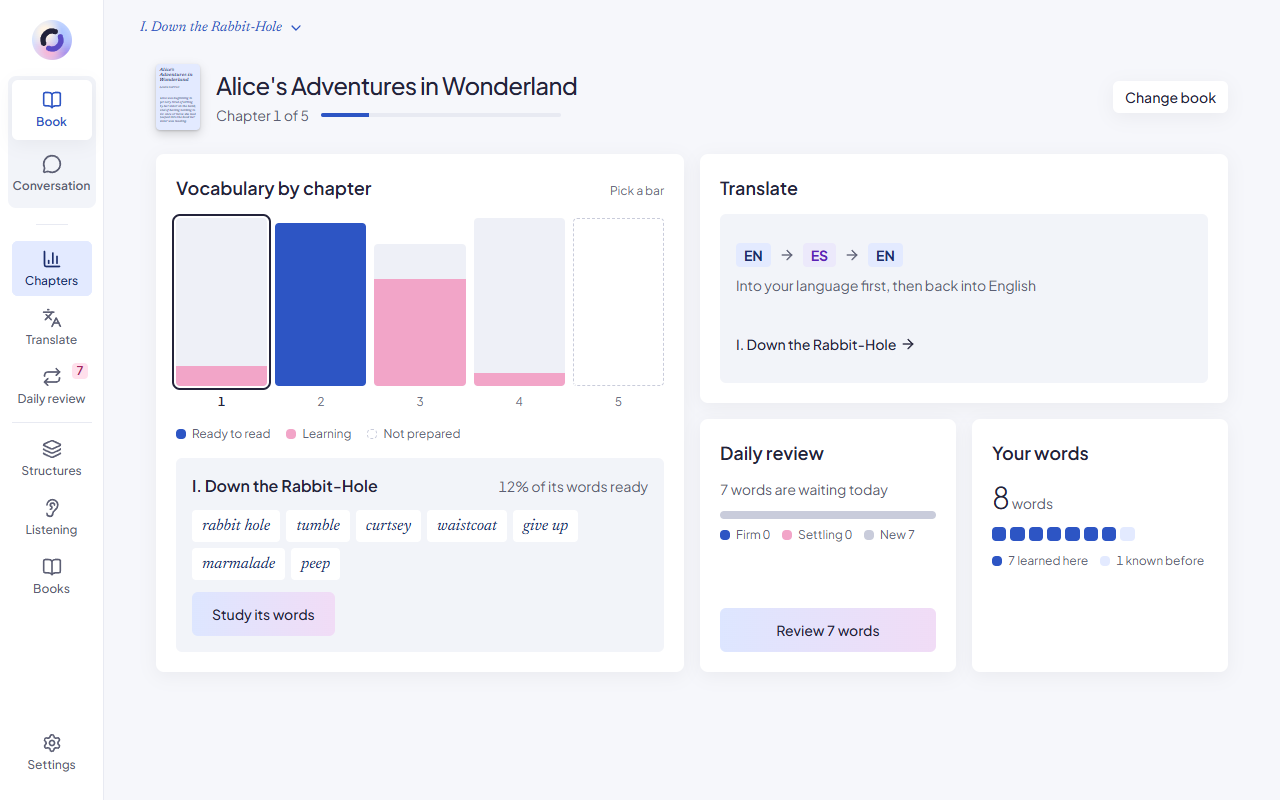
How to learn vocabulary from a book
From adding the book to reading it.
- 1
Add your book
Any EPUB or PDF in English. Ogmios splits it into chapters.
- 2
Prepare a chapter
The app lists the words of the chapter you probably don't know yet, with their translation and how often they appear.
- 3
Leave out what you know
Mark a word as known and it never comes back.
- 4
Practise with the book's sentences
Each word is asked with a sentence from the book, into your language and back into English. A hint comes letter by letter.
- 5
Read the chapter
A bar per chapter shows when you are ready. In the text, the words you learned are underlined.
- 6
Review a little every day
Learned words come back after 1, 3, 7, 21 and 60 days.
It is not a tap-to-translate reader
Many reading apps translate a word when you tap it. That keeps you reading, and it also means meeting the same word ten times and looking it up ten times.
Ogmios works the other way round. You learn the chapter's words before you open it, with the sentences they appear in, so the reading itself goes without stopping.
How to remember new words from books
A word you have learned comes back just before you would forget it: the next day, then after three days, a week, three weeks and two months. A right answer moves it up a step and a wrong one moves it down. This is spaced repetition, and the app keeps the calendar for you.
A word that keeps resisting comes back sooner, and you can write your own trick to remember it, which the app shows you the next time you miss it.
The words also leave the book. In your English conversations, the partner uses the ones you are closest to forgetting, without pointing at them. Saying one yourself counts for two steps.
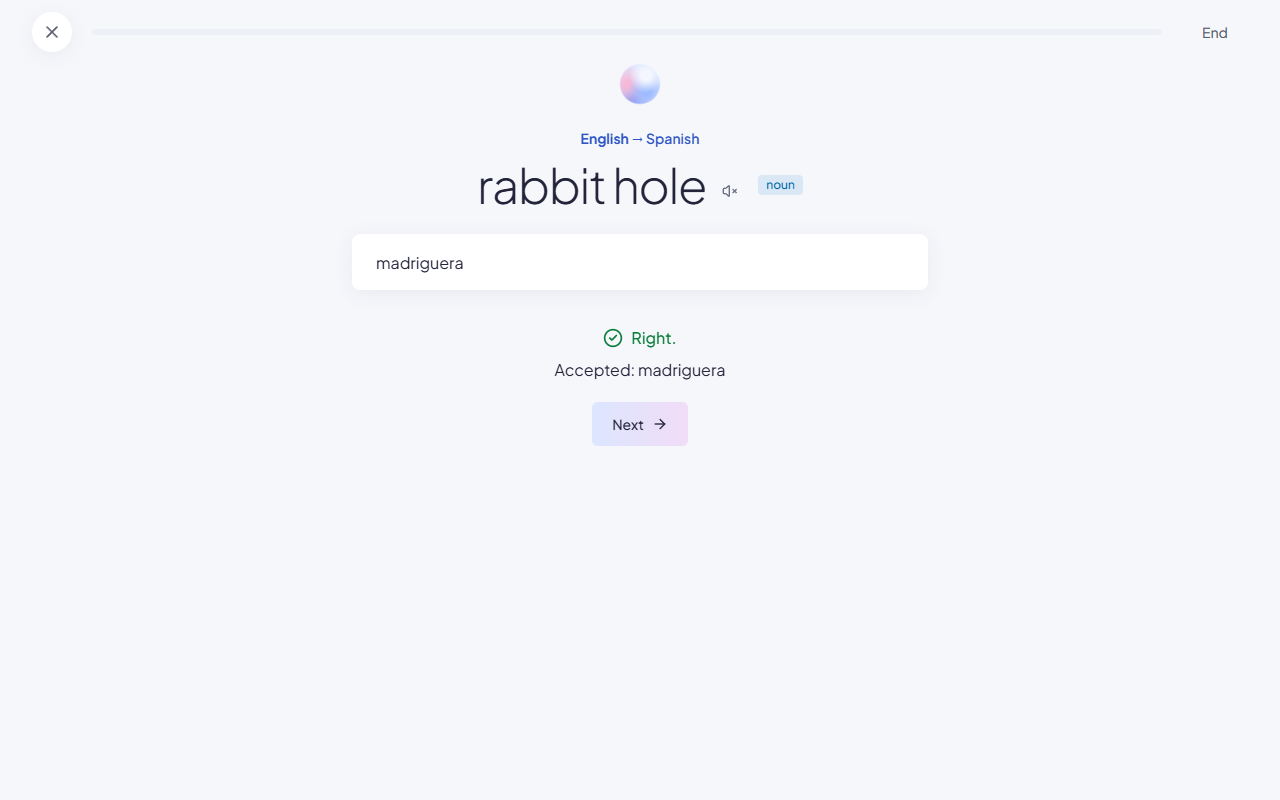
More to do with the same chapter
Translate it sentence by sentence, into your language and back into English. Practise the sentence structures it uses. Train your ear with dictations taken from it.
Questions about learning vocabulary from books
Which book formats does Ogmios read?
EPUB and PDF, in English.
Does the text of my book leave my computer?
The book is stored on your computer. When you prepare a chapter, the text of that chapter is sent to Claude, the AI that picks and translates its words.
Can I use the books without the conversations?
Yes. The book and the conversation are separate sections of the app. You still need to connect your own Claude, because it prepares the chapters.
What level of English do I need to read a book this way?
Any level at which you want to read that book. The app proposes the words you probably don't know at your level, and you leave out the ones you do.
Open the first chapter of your book
Download Ogmios for macOS or Windows, connect your Claude and add an EPUB or a PDF.